 coco
Install
GitHub
中文
A meeting adviser that keeps its data on your computer
coco transcribes recordings, prepares you for the next meeting, compares what was said across meetings, and keeps a memory of people, projects and commitments that you can search. It runs on your computer and uses an AI account you already have.

What it does
Transcribe
Record in the browser or upload audio and video. Whisper transcribes on this computer; computers that cannot run it well use Gemini through the Antigravity CLI, the Gemini API, an OpenAI-compatible API or Alibaba Cloud Bailian. Transcripts in txt, docx, pdf, srt, vtt or json go straight in.
Analyse one meeting
Nine templates, from minutes and action items to a follow-up draft. Reports start with the conclusion, state each fact once and keep to a length set by the meeting.
Prepare and compare
Before a meeting, a brief drawn from past meetings and memory. Across meetings, three modes: commitments and changed positions, signals beneath the surface, and a synthesis of several interviews.
Remember
Every meeting adds to a memory of people, projects, commitments and terms. Each entry has its current state and dated facts linked to the meeting they came from. Search it, correct it, or ask about one person across all meetings.
The interface
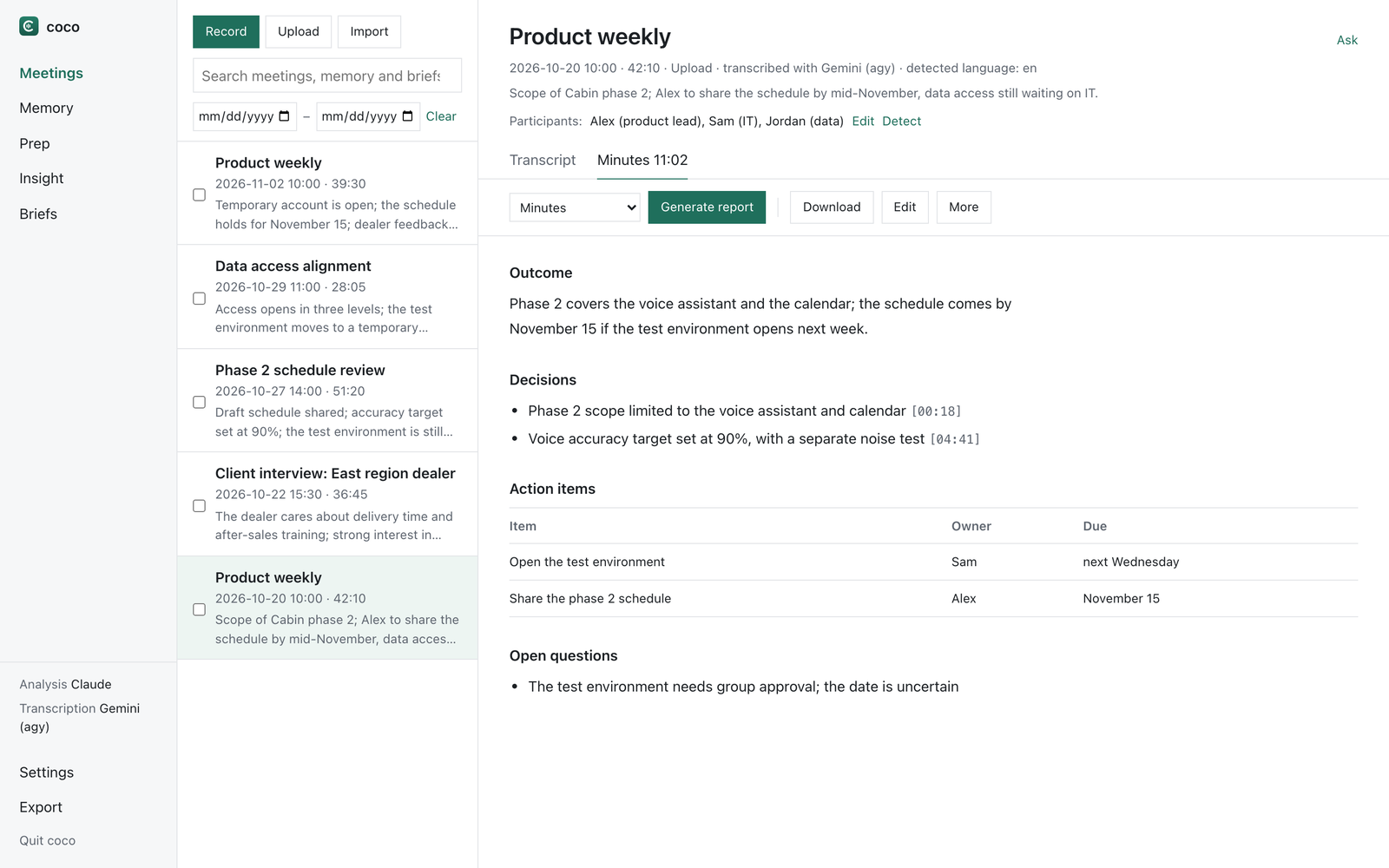
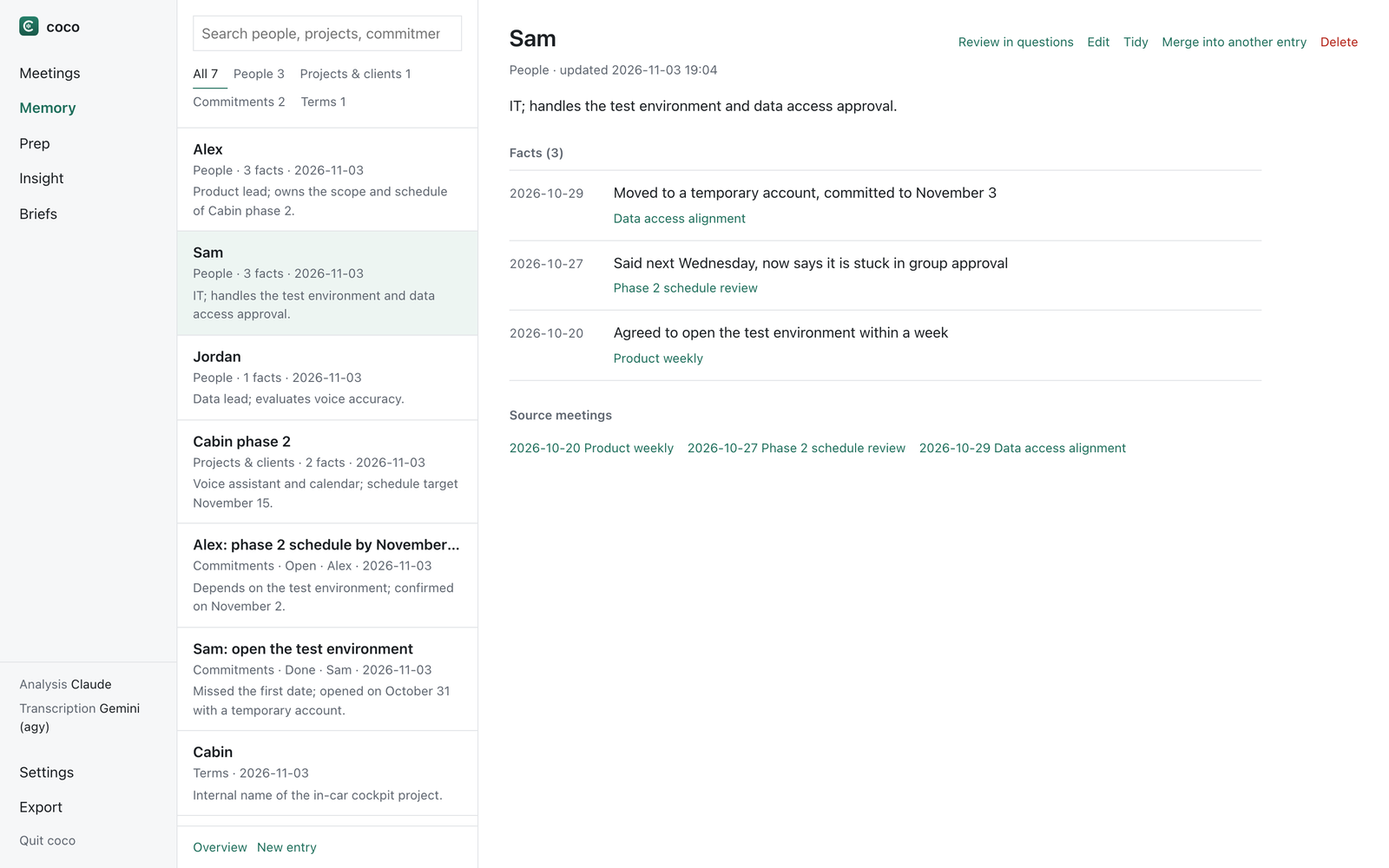
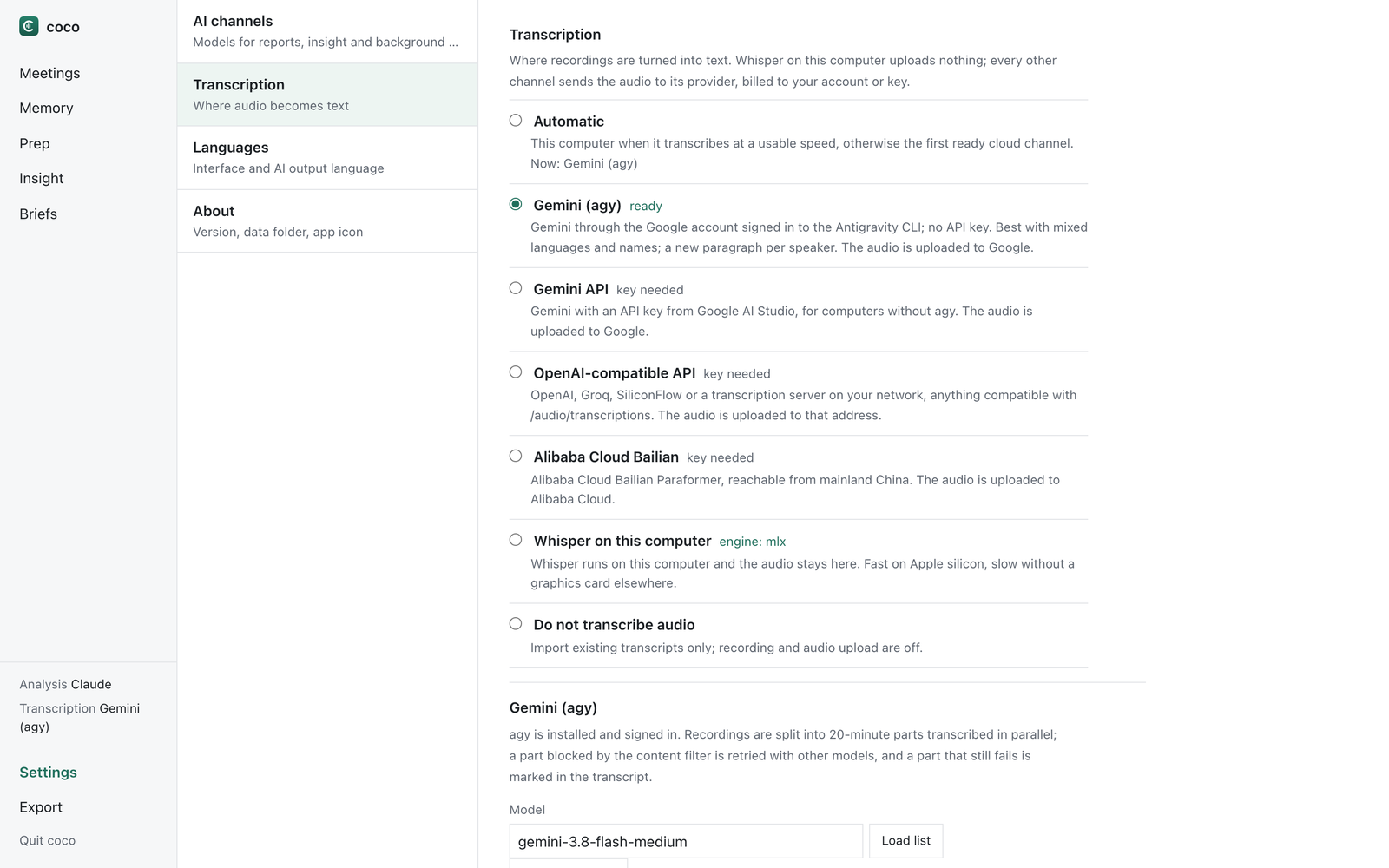
The screens show an invented demo library.
Where your data goes
- Keeps meetings, reports and memory as ordinary folders and Markdown files in the coco folder on your computer.
- Sends meeting text for analysis to the AI you choose: a Claude or ChatGPT account through their official command-line tools, an API key, or a local Ollama or LM Studio model that keeps it on the computer.
- Keeps audio on the computer with Whisper; a cloud transcription channel sends it to its provider, and the settings show which one.
- Runs no account or server of its own and charges no subscription.
Install
macOS
Open Terminal, paste the line and press Return. coco then appears in Applications.
curl -fsSL https://raw.githubusercontent.com/cocohahaha/coco/main/scripts/install.sh | bash
Windows
Open PowerShell, paste the line and press Enter. coco then appears in the Start menu and on the desktop.
irm https://raw.githubusercontent.com/cocohahaha/coco/main/scripts/install.ps1 | iex
Without a terminal
Download the ZIP from GitHub, unzip it and double-click coco.command on a Mac or coco.bat on Windows. Python and the dependencies are set up on first start.